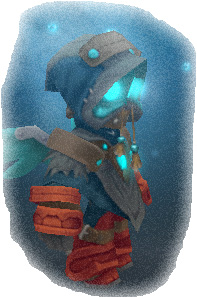
Introducing myself, I'm Pacotris.
It is not my real name, but this you already know.
I started playing as Ringomix in September 2011, on Kongregate. After a long break I started with a new character, Pacotris, with whom I think to finish the game.
I've been through several guilds, and then to the League of Hell.
Now I'm part of the Order Of Valor, which is composed and funded by a few players who came from the League of Hell.
Play for fun, and sometimes I make some joke, so be careful!
I traveled almost all the clockworks, and I've lost count of how many times I faced Snarby, the RT, JK and Vana, successfully dealt with all by solo runs, too. I also spent all Shadow Lairs, but I have yet to win against Vana Darkfire, a mess, hehe.
If you have any difficulties, please do not hesitate to call me, I will be your light in times of terror in the shadows...
Last Update
Current guild
 Order Of Valor
The Daily Paclairz
Ola!!!
I'm here, Pacotris, they are your wizard when you have need.
so,... see you soon, when you are in the shadow, you will see a light in distance...
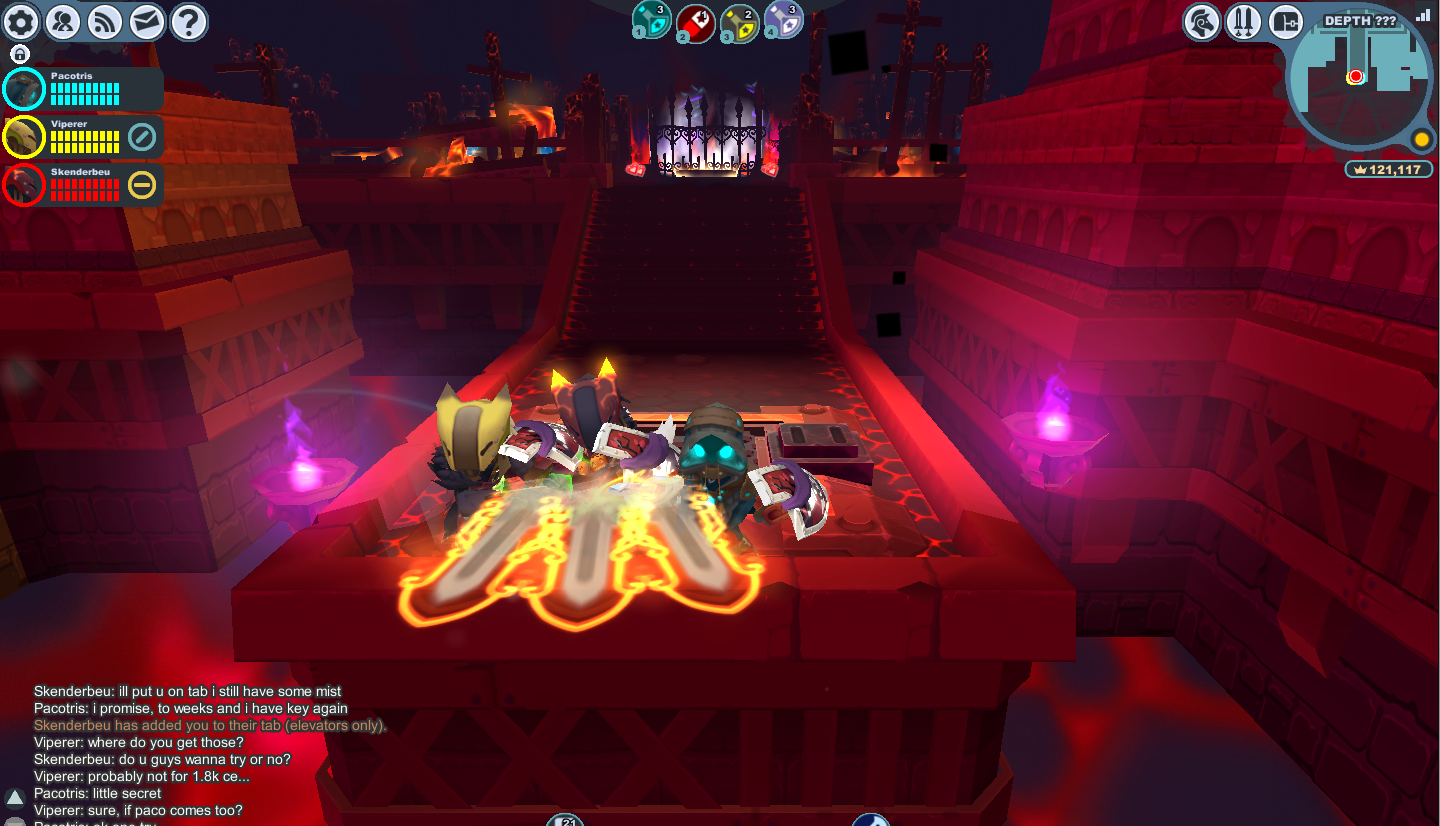
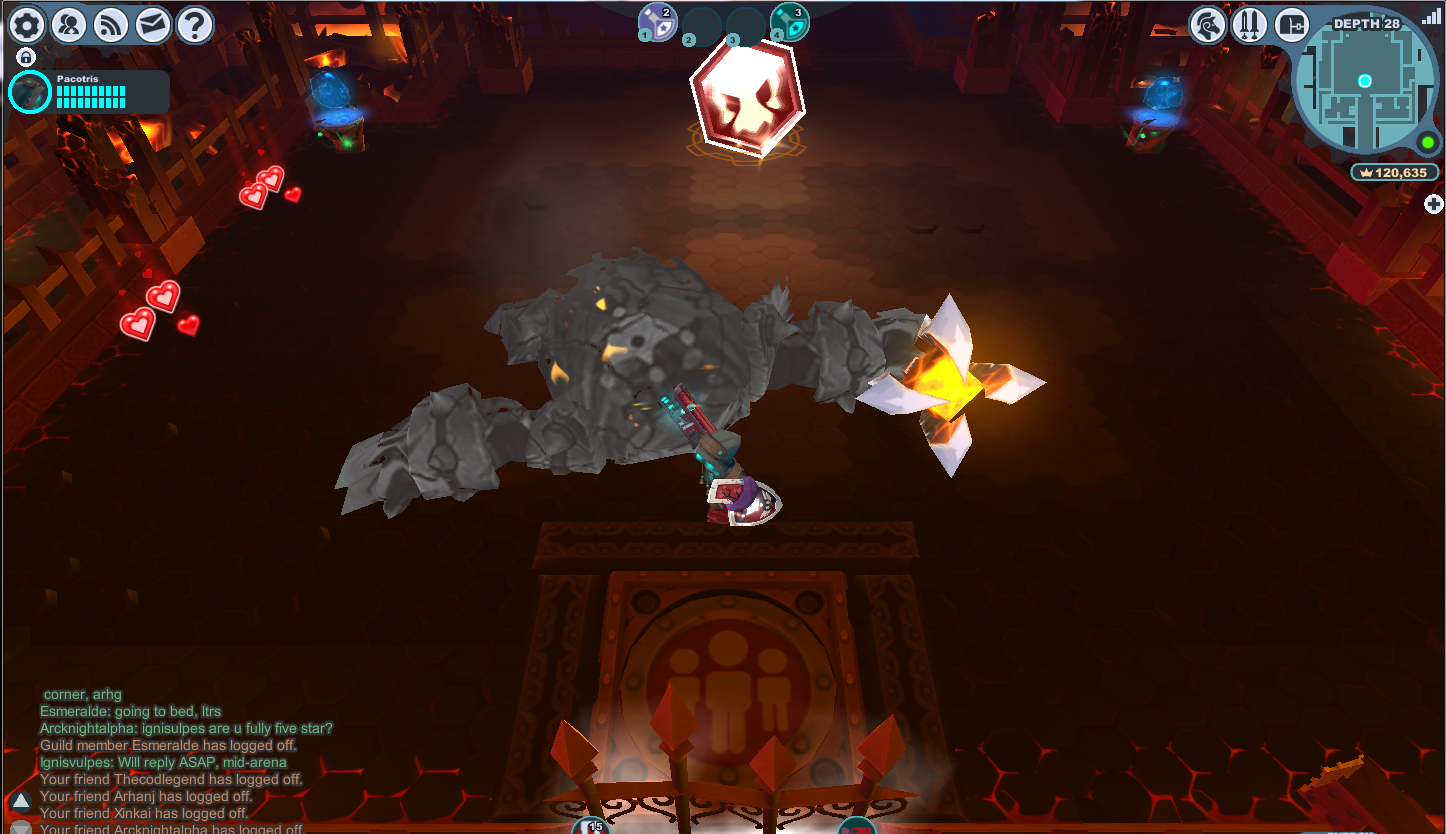
Ok, first Darkfire spedition was not complete success... but big fun, hehe. Here's a pic
of Viperer, Skenderbeu and me at boss..., fire, fire, fire, ehm, fire?
14/04/2012
16/04/2012
Helpful hints and tips
How to make a free wiki account
1. Go to the SpiralKnights wiki
2. In the top right of the screen click on log in
3. Then just above the "sign up for the newsletter section" click on the "create a free account" link
4. Once the page loads up, create a free account by filling in the blank spaces. It is adisable to use your steam version of spiral knights name as the username. create a password and use an email address you are familiar with.
5. Once you are happy with the details you provided click on "play now"
6. This will take you to the home page of the SpiralKnights page. It will ask if you want to download the game. Do not do this. cancel.
7. Go to the SpiralKnights wiki page again and click log in. Enter your username and password.
8. Enjoy the wonders of the SpiralKnights Wiki! :D
How to make your own user wiki like my one
1. First go to the spiralknights wiki page http://wiki.spiralknights.com/Main_Page
2. Once there, click on log in (it is located top right of the page).
3. Enter you username and password.
4. When you are logged in you will notice that the page is slightly different. At the top of the page you will see your username. click on that now.
5. This will bring you to your very own User page. Here you can write about yourself the achievements you have, what gear, the guild you are in etc.... To edit the page click on "edit" at the top of the page.
6. To make things easy for you if you are new to the wiki look at other ppls wiki pages and get ideas from them. I will allow you to copy and paste codes from my User wiki.
7. Important to note do not edit other peoples wiki pages. If you click on edit on someones wiki page at the bottom of the page you will find three tabs: save page, show preview and show changes. right next to these you will see "cancel". When you have finished on someones wiki page or any wiki page please click on "cancel".
8. Enjoy :D
How to get a picture of yourself like my one
1. If you are on the steam version of spiral knights: in game bring up your character box by clicking on the "character link" top right (next to the lockdown icon: red swords icon). if you plau on the main spiral knights website simply take a screen shot and skip to number 4.
2. Press f12 (default key) to take a screen shot.
3. Go to your desktop and bring up the steam dashboard. Click on Library on the top bar and right click on spiral knights. Then click on view screenshots. Double click on the screenshot you wish to use as your character image.
4. Once the image has loaded right click on the image and click open with paint. Then crop the image as i have done. Save image to desktop or a USB flash drive.
5. Log into the spiral knights wiki page (you must be logged in for this to work).
6. Now go to this link http://wiki.spiralknights.com/Special:Upload
7. Upload your file from the place you save the image to.
8. Once uploaded copy the link at the top of the page starting with File:??? (??? = the name after File:) copy it all including the File: wrting aswell.
9. Then go to you user page click on edit and at the top of the page in the edit section paste the link. Click save page.
10. Enjoy :D
Achievments
Arsenal
 Bombs
Bombs
 Trinkets
Loadouts
Fonts
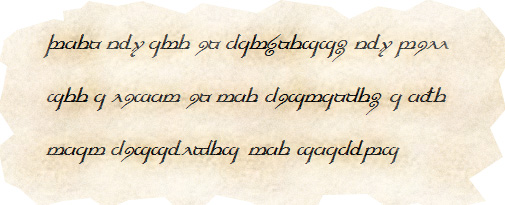
for who wants to know what I wrote at the beginning...
http://it.fontriver.com/font/tengwar_elfica/
This is the font, try to translate, haha
Give Thanks To
Special thanks goes to Arcknightdelta, for the useful informations on this page.


