Furniture

Furniture is a type of item that can be placed in a Guild Hall. They are purely aesthetic items, with the exception of the Energy Well.
Acquisition
General
Many furniture items come from various Prize Boxes. Prize Boxes give random prizes, so what you want might not be what you get. The box the furniture items come from might change over time, as seen with the Winterfest items. (Initially, these came from a Winterfest Prize Box, then they were available in the Decoration Kit Prize Box).
Other furniture comes from the Birdsong Emporium, with more variety available if the Guild Hall expands. Sometimes furniture is added to the Birdsong catalog without public announcement (Copper Yellow items were as such) so check it once in a while.
Other than these two sources, players might be told to pay attention to a Supply Depot Sale via a forum announcement like this one - several of the Moorcroft furniture items have been temporarily available in the Supply Depot. Certain furniture items can even be crafted by players!
 : So, furniture comes from many places. It would be prudent to "wait and see" - perhaps money could be saved! But then again, you might "miss out." The important thing to remember about furniture is that these items are designed to be for a group of people, not an individual - since the only place they can currently be used is in a Guild Hall! And Guilds are groups of people. Well...not all the time. Certainly, an individual can go about as the sole member of their own guild decorating their space, but in general - work together! Plan ahead! Be frugal! An item might cost a lot of energy from the depot, but if multiple players pool funding together to obtain the item, then it isn't so bad! Perhaps the high prices of some items in the Depot are high in order to encourage teamwork. ;)
Remember, always be very careful when pooling resources. Not every player can be trusted - sad stuff, so be wary!
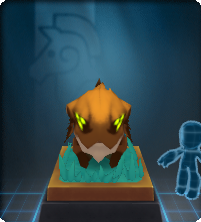
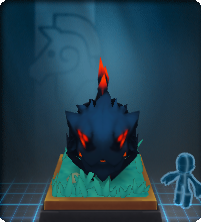
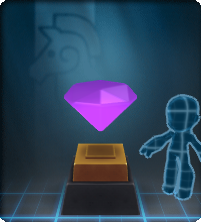
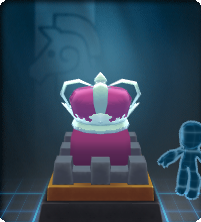
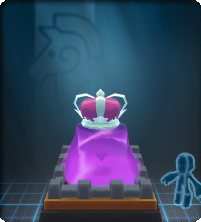
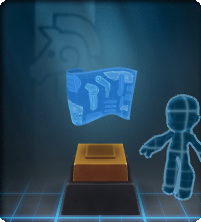
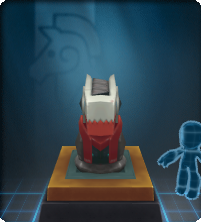
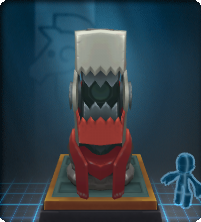
Boss Trophies
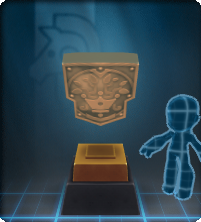
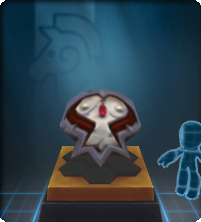
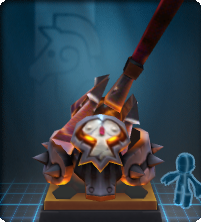
Decorating your Guild Hall can be very expensive, or manageable if players work together and plan ahead economically to obtain desired items. This is especially important for the "Boss Trophy" Type of furniture.
Using
Design Mode
Decorating a Guild Hall is fairly simple. Once furniture has been obtained (methods below), go to the Hall's Command Console and deposit it into the Guild's Treasury - the furniture will go from your Knight's Arsenal into the Treasury. Once in the Treasury, furniture items can be placed around the Hall while in the Hall's Design Mode. Design Mode can only be entered by higher ranking members - interestingly, some ranks can move furniture in Design Mode, but not publish. Furniture items come in a variety of sizes, so some furniture can't be placed in certain areas. Design Mode is entered via the Command Console.
 Once placed in the Treasury, an item can NOT be taken back out into your arsenal! It belongs to the Hall!
The Design Mode will "teach" a player how to rotate, move, and generally "decorate" with furniture via various tips (see far left image in the above gallery). Tiles highlighted in blue can have furniture placed on them. A pink X means that it can't. In general, decorating with furniture is like carrying a statue (or Golden Key, Grim Totem, etc.) in the clockworks. Pick it up, put it down! Unlike these clockworks items, furniture can usually be rotated (not all furniture can be rotated - it will just bounce above the knight's head if it can't). Access what furniture your guild has available from the Activities tab on the right - click on the item in the Treasury list, and it will pop out above your Knight's head if it hasn't been placed.
Once a furniture is placed, you'll have to put it away (and take it out again) or pick it up and move (walk, etc.) with it in order to place it somewhere else.
The Guild Hall "remembers" where things are placed in Design Mode. The Hall itself - outside of Design Mode - will not show changes until it is published. This way, a decoration projects can be returned to in Design Mode over time, without disrupting the flow and function of the Hall. Decorating can take a lot of time sometimes, so this is very convenient. When you're ready, go to the Command Console and publish! Publishing takes you out of Design Mode. Design Mode can be exited without publishing - simply join other players or go to your Guild Hall through the Activities tab, etc.
If published: Your furniture items will now be where you put them while decorating in Design Mode, and you'll be able to sit in them (if they're seats) and so on. Remember - furniture items are intangible in Design Mode. Sometimes you can accidentally block off access to chairs and so on! The available spots to place furniture will prevent you from accidentally blocking off access to the Command Console and rooms, so don't worry too much.
When published, the Hall will send an announcement to all players in the Hall. Everyone will be loaded back at the entrance after a Hall is Published.
-
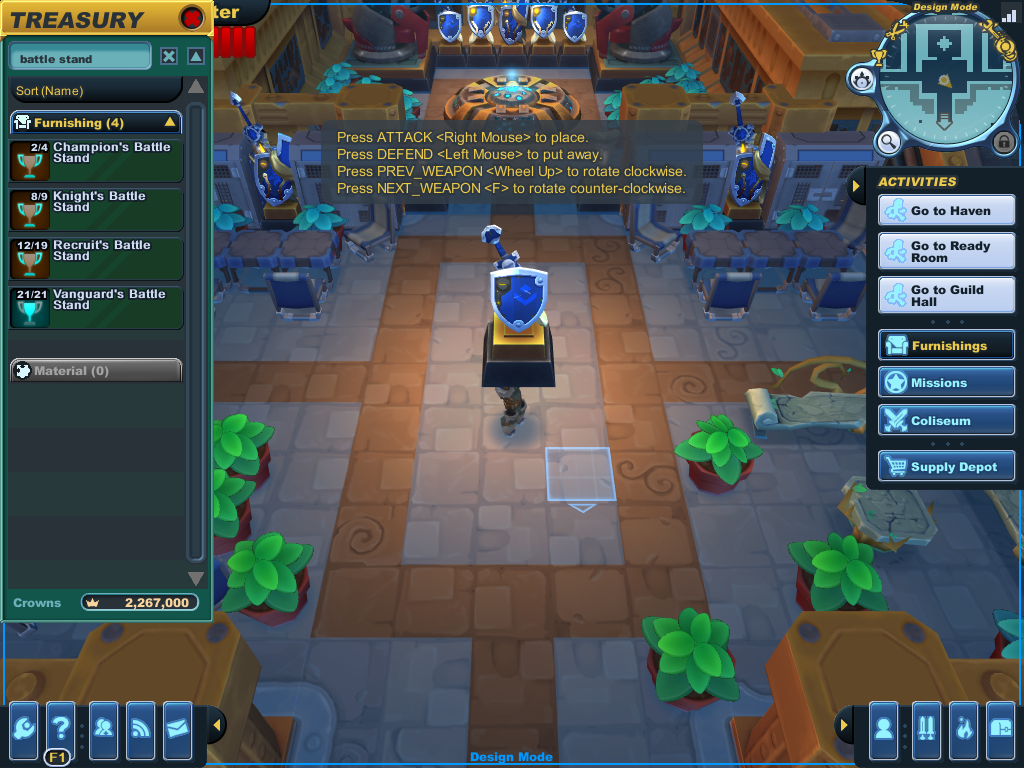 Your Guild's furniture is stored in the Treasury and accessed while in Design Mode from the "Activities" tab on the right. You can search for specific items in the top left of the list panel.
 -
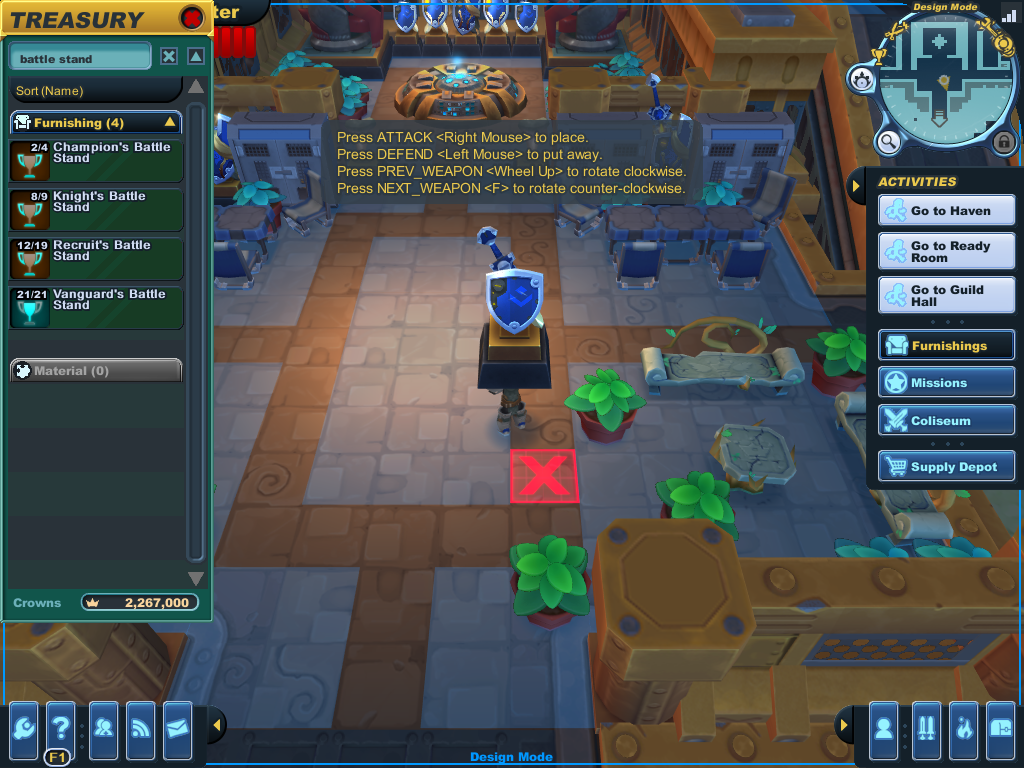 The interface will let you know if you can't put something somewhere.
 -
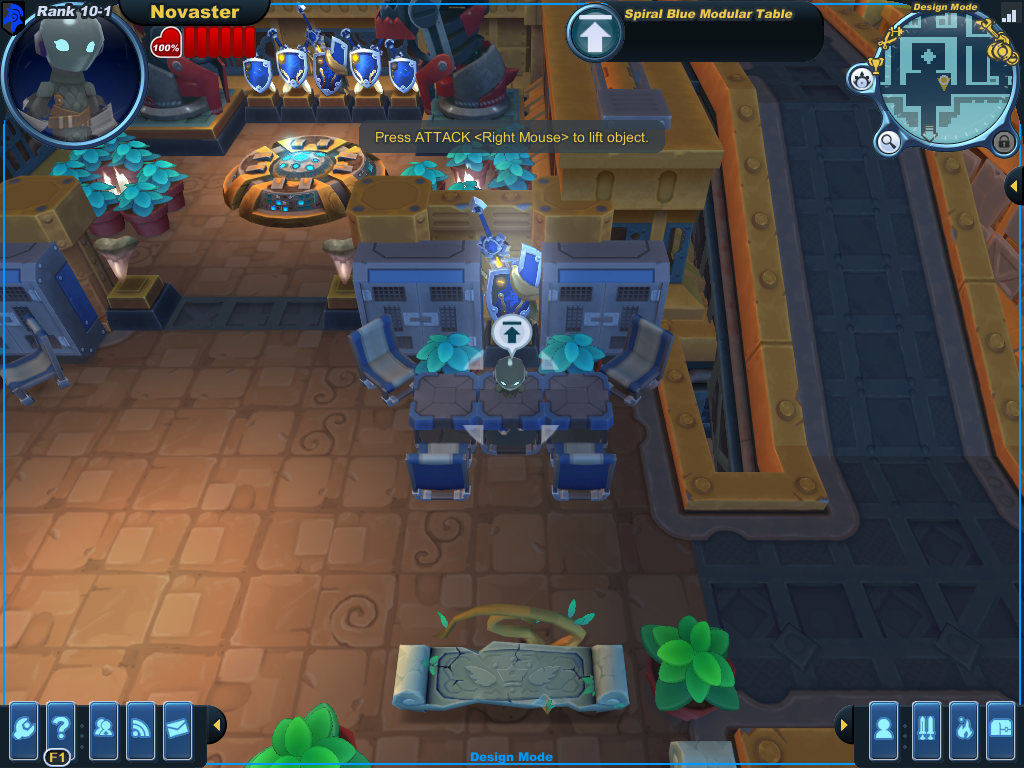 Furniture is intangible while in Design Mode. Most furniture is solid once the hall is published - something to keep in mind.


Published
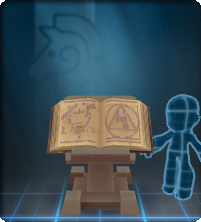
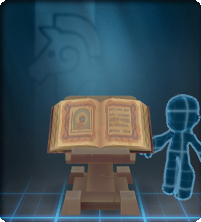
Once published, many furniture items can be interacted with! Seats can be sat upon, the Energy Well allows player exchange, and very special furniture might summon strange but mostly harmless things, such as the cursed and mystical tome stands! Other furniture is just for looks. If an item can be interacted with, the game will let you know with a white homing animation - just like you see if you can pick something up, talk to NPCs, and so on. On certain graphics settings, pale smoke-like effects will emanate from the object if it can be interacted with.
You can sort of "interact" with creature type furniture - these entities will register your presence and this will have an effect on their course of travel, should they be "wandering" around your hall. There is no official "interaction" - just this AI behavior.
Notes

These items show up in the "Furnishing" tab of the arsenal. This tab does not show up if there is no furniture in your arsenal. Furniture can be obtained and arranged in a variety of ways. See individual pages for availability and other details.
In the past, players didn't join each other at the entrance of the Hall. Near the initial release of furniture items, joining a player in a hall would land you right next to that person - sometimes "inside" a furniture piece! Understandably, this was promptly fixed.
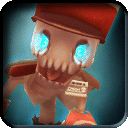
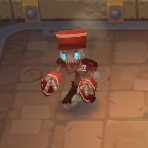
Furniture items are released in distinct groups, such as "Moorcroft" or "Winterfest." While these groups are not named as such in-game, the items in a "group" are clear - either because of an obvious theme or method of acquisition. More items can be added to a group over time. For example, the Zombie Bellhop was added to the Moorcroft Prize Box during the second Kataclysmic Confrontation. The only exception to this "released in distinct groups" rule so far are snipes - different types come from a large number of unrelated sources.
History
- release 2012-11-14: Furniture items are introduced, along with a major Guild Hall redesign featuring expansions and rooms in which furniture can be placed.
List
 Below is an elaborate sortable list. This show/hide contains information about how to use the list efficiently. Below is an elaborate sortable list. This show/hide contains information about how to use the list efficiently.
| |
General Name
|
Example
|
Type
|
Group
|
Interactible
|
Notes
|
|---|---|---|---|---|---|
| Bed | 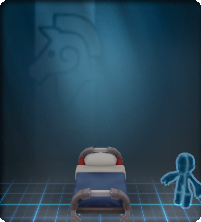 |
Bed (Spiral) |
Birdsong Emporium | yes | |
| Chest of Drawers | 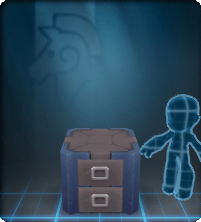 |
Doodad | Birdsong Emporium | no | |
| Compact Chair | 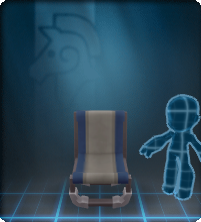 |
Seat (Chair) |
Birdsong Emporium | yes | |
 |
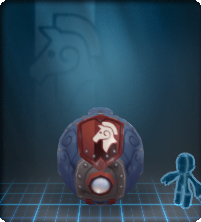 |
Doodad | Birdsong Emporium | no | |
 |
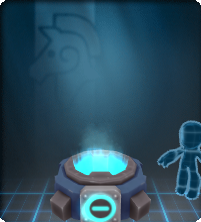 |
Special | Birdsong Emporium | yes | |
 |
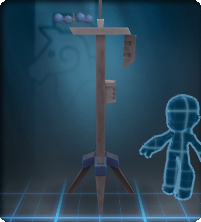 |
Doodad | Birdsong Emporium | no | |
| Footlocker | 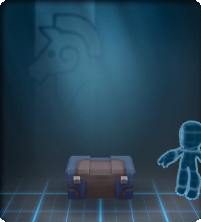 |
Doodad | Birdsong Emporium | no | |
| Light Beacon | 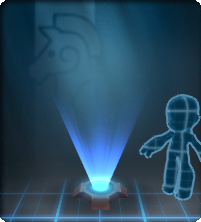 |
Light | Birdsong Emporium | no | |
| Modular Table | 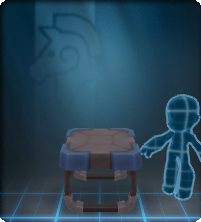 |
Doodad (Table) |
Birdsong Emporium | no | |
| Potted Plant | 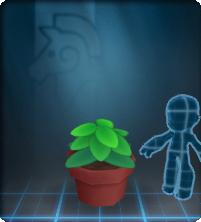 |
Plant | Birdsong Emporium | no | |
 |
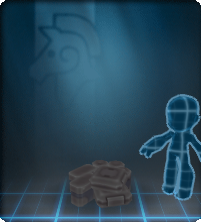 |
Doodad | Birdsong Emporium | no | |
| Supply Shelf | 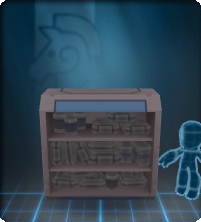 |
Wall | Birdsong Emporium | no | |
 |
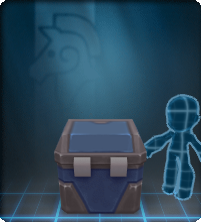 |
Doodad | Birdsong Emporium | no | |
| Wardrobe | 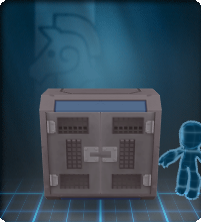 |
Wall | Birdsong Emporium | no | |
 |
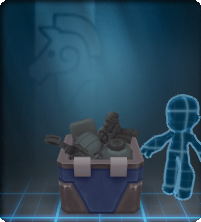 |
Doodad | Birdsong Emporium | no | |
| Flying Snipe | 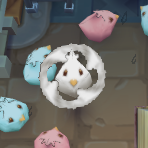 |
Creature (Snipe) |
Snipe | no | will be blocked by any player in the way, does not hinder player movement |
| Lazy Snipe | 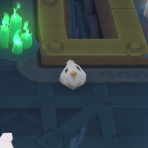 |
Creature (Snipe) |
Snipe | no | |
| Wandering Snipe | 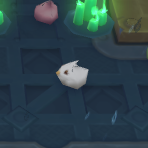 |
Creature (Snipe) |
Snipe | no | will be blocked by any player in the way, does not hinder player movement |
 |
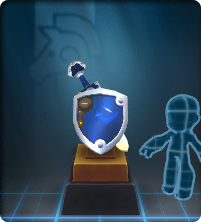 |
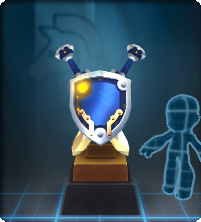
Stand (Homecoming) |
Homecoming 2012 | no | |
 |
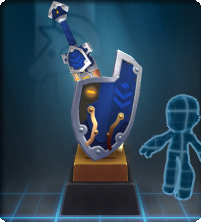
 |
Stand (Homecoming) |
Homecoming 2012 | no | |
 |
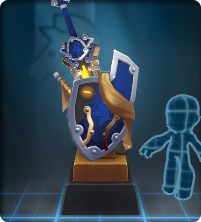
 |
Stand (Homecoming) |
Homecoming 2012 | no | |
 |
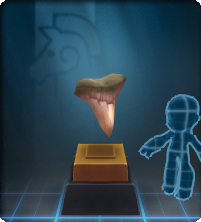
 |
Stand (Homecoming) |
Homecoming 2012 | no | |
 |
 |
Stand (Boss Trophy) |
Armero | no | |
 |
 |
Stand (Boss Trophy) |
Armero | no | |
 |
 |
Stand (Boss Trophy) |
Armero | no | |
 |
 |
Stand (Boss Trophy) |
Armero | no | |
 |
 |
Stand (Boss Trophy) |
Armero | no | |
 |
 |
Stand (Boss Trophy) |
Armero | no | |
 |
 |
Stand (Boss Trophy) |
Armero | no | |
 |
 |
Stand (Boss Trophy) |
Armero | no | |
 |
 |
Stand (Boss Trophy) |
Armero | no | |
 |
 |
Stand (Boss Trophy) |
Armero | no | |
 |
 |
Stand (Boss Trophy) |
Armero | no | |
 |
 |
Stand (Boss Trophy) |
Armero | no | |
| Candles (Winterfest) | 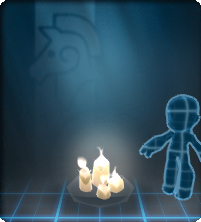 |
Light (Candles) |
Winterfest | no | |
| Holiday Presents | 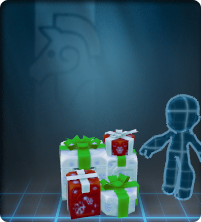 |
Doodad | Winterfest | no | |
 |
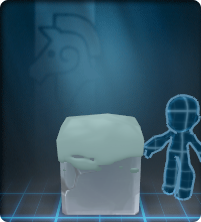 |
Doodad | Winterfest | no | |
| Winterfest Tree | 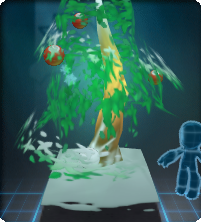 |
Plant | Winterfest | no | |
 |
 |
Wall | Moorcroft | no | |
 |
 |
Stand | Moorcroft | no | |
| Antique Bench | 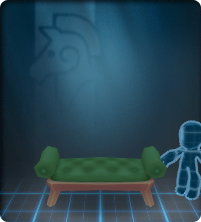 |
Seat (Bench) |
Moorcroft | yes | |
| Antique Chair | 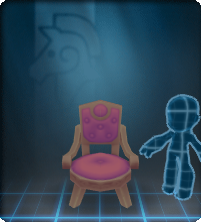 |
Seat (Chair) |
Moorcroft | yes | |
 |
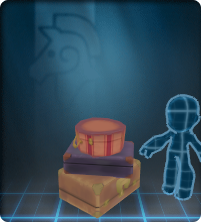 |
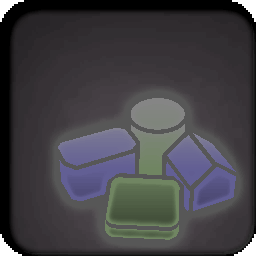
Doodad (Pile) |
Moorcroft | no | |
 |
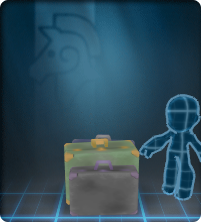 |
Doodad (Pile) |
Moorcroft | no | |
 |
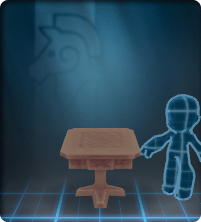 |
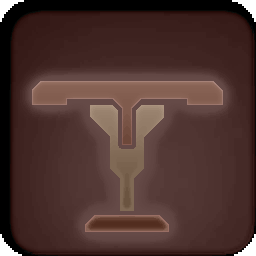
Doodad (Table) |
Moorcroft | no | |
 |
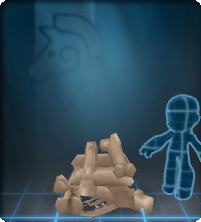 |
Doodad (Pile) |
Moorcroft | no | |
 |
 |
Creature | Moorcroft | no | will be blocked by any player in the way, does not hinder player movement |
 |
 |
Stand | Moorcroft | yes | |
 |
 |
Stand | Moorcroft | yes | |
| Gaslamp (Short) |  |
Light | Moorcroft | no | |
| Gaslamp (Tall) | 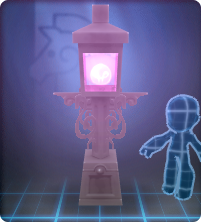 |
Light | Moorcroft | no | |
 |
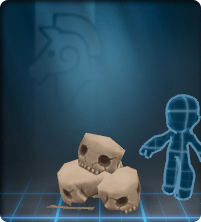 |
Doodad (Pile) |
Moorcroft | no | |
| Tome Stack | 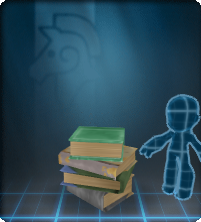 |
Doodad (Pile) |
Moorcroft | no | |
 |
 |
Creature | Moorcroft | no | will be blocked by any player in the way, does not hinder player movement |
| Lazy Gobblesnipe |  |
Creature (Snipe) |
Snipe (Gobblesnipe) |
no | |
| Plump Gobblesnipe |  |
Creature (Snipe) |
Snipe (Gobblesnipe) |
no | |
| Wandering Gobblesnipe | 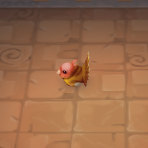 |
Creature (Snipe) |
Snipe (Gobblesnipe) |
no | will be blocked by any player in the way, does not hinder player movement |
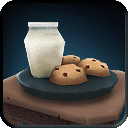 |
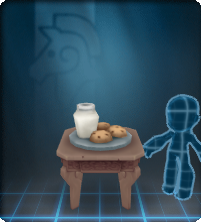 |
Doodad (Table) |
Winterfest | no | |
| Obsidian Obelisk | 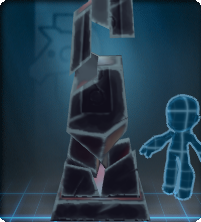 |
Doodad | Apocrean | no | |
| Chair (Almire) | 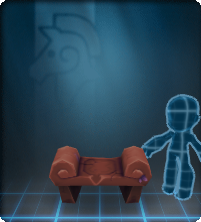 |
Seat (Chair) |
Almirian | yes | |
| Bench (Almire) | 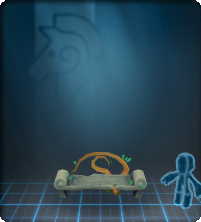 |
Seat (Bench) |
Almirian | yes | |
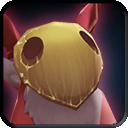 |
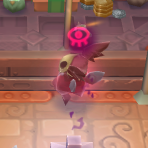 |
Creature | Almirian | no | will be blocked by any player in the way, does not hinder player movement |
 |
 |
Creature | Almirian | no | will be blocked by any player in the way, does not hinder player movement |
| Rug (Almire) | 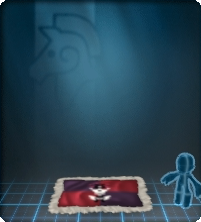 |
Mat | Almirian | no | |
| Table (Almire) | 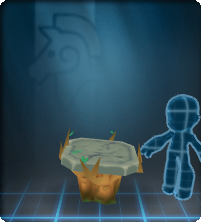 |
Doodad (Table) |
Almirian | no | |
| Tapestry (Almire) | 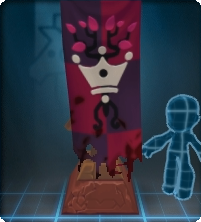 |
Doodad | Almirian | no | |
| Chess Mini | 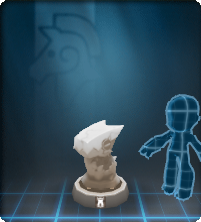 |
Chess Figure |
Chess | yes | |
 |
Creature | Slime | no | will be blocked by any player in the way, does not hinder player movement | |
 |
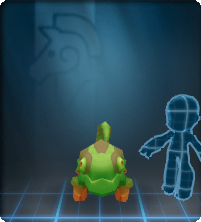 |
Creature | Beast | ??? | |
 |
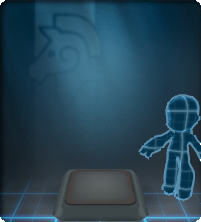 |
Misc | Floor Tile | It lights different colors when stepping in it, once at the time. | |
 |
 |
Bed | Birdsong Emporium | no | |
 |
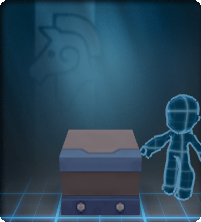 |
Counter | Birdsong Emporium | no | |
 |
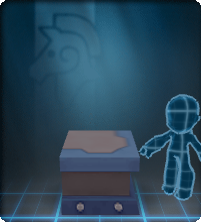 |
Counter | Birdsong Emporium | no | |
| Lazy Buhgok | 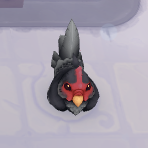 |
Creature (Buhgok) |
Buhgok | no | |
| Plump Buhgok | 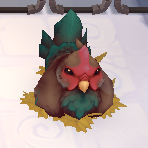 |
Creature (Buhgok) |
Buhgok | no | |
| Wandering Buhgok | 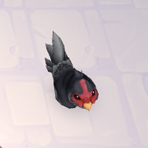 |
Creature (Buhgok) |
Buhgok | no | will be blocked by any player in the way, does not hinder player movement |
 |
 |
Misc | Lucky | no | |
 |
 |
Misc | Statue | yes |

